Car Maintenance Log: How to Track Service History and Protect Your Vehicle

Car Maintenance Log: How to Track Service History and Protect Your Vehicle
A well-maintained vehicle runs more efficiently, lasts longer, and holds its value over time. The challenge is that maintenance details often end up scattered across receipts, text messages, and service invoices.
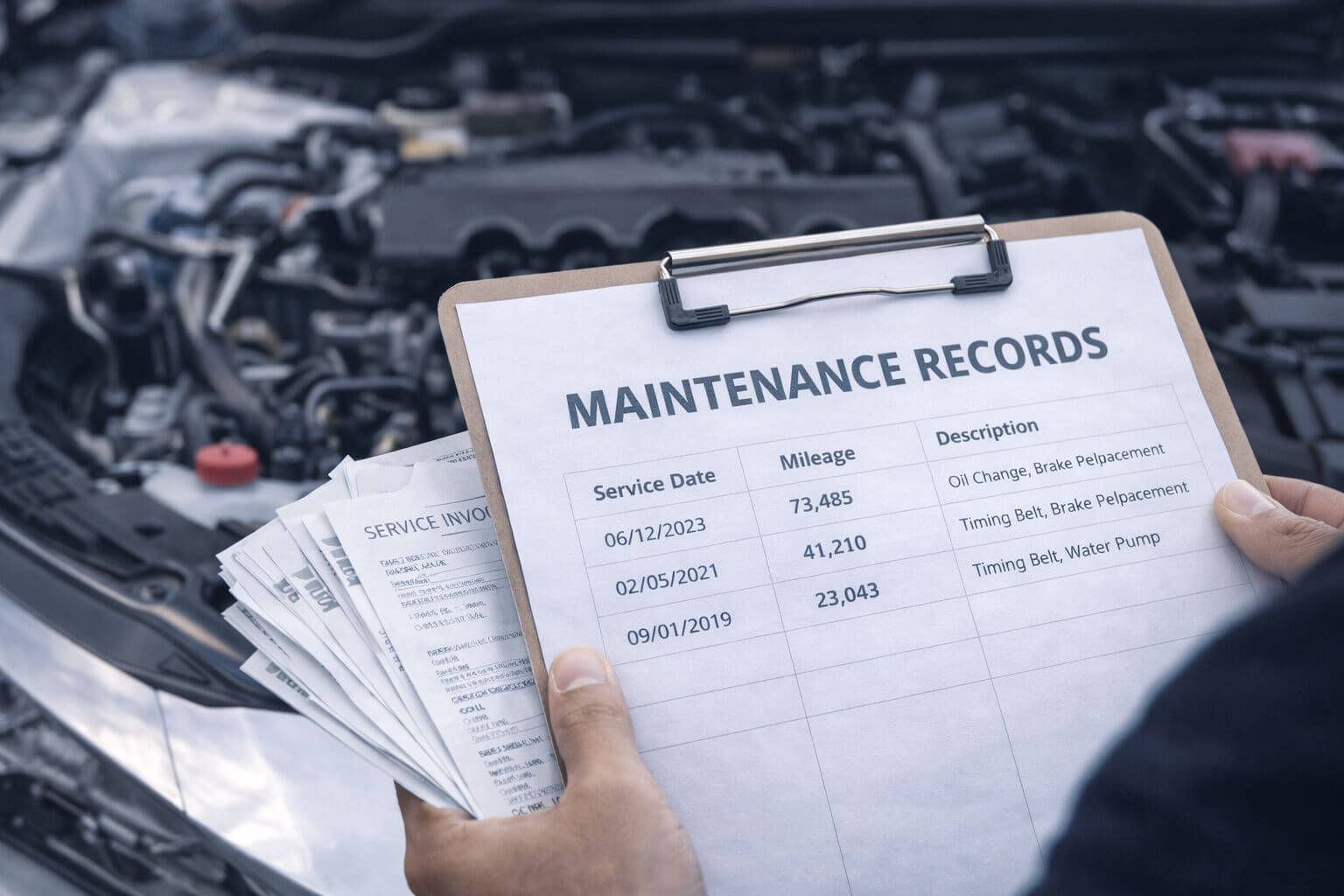
A car maintenance log solves that problem by keeping everything in one place. When your service history is organized, you’re less likely to miss important intervals, you can plan repairs before they become emergencies, and you’ll have better documentation if you ever need warranty support or decide to sell.
What Is a Car Maintenance Log and Why Is It Important?
A vehicle maintenance log is a simple record of your car’s service and repair history. It helps you track routine maintenance and confirm when key work was last done.
Common items to record include:
- Oil changes and lubrication
- Tire rotations and replacements
- Brake inspections and repairs
- Battery checks and replacement dates
- Winterizing and seasonal maintenance
Some tasks are DIY-friendly, while others require a licensed mechanic. Either way, logging the work keeps your vehicle upkeep predictable, organized, and easier to manage.
A consistent log also helps you:
- Follow manufacturer-recommended schedules
- Avoid duplicate or unnecessary repairs
- Catch recurring issues early
- Support warranty claims or insurance questions
- Provide proof of care for resale value
How to Keep a Vehicle Maintenance Log
There’s no “one best method.” The right option is the one you’ll actually use consistently.
1. Manual Methods
- A logbook or notebook: Keep one in the glove box and record dates, mileage, and what was done.
- Spreadsheets (Excel or Google Sheets): Great for tracking costs and sorting by mileage, date, or repair type.
- Organized paper receipts: Store service invoices in a folder (physical or scanned) so nothing gets lost.
2. Digital Tools and Mobile Apps
Apps like AUTOsist and Drivvo can simplify tracking and reduce missed maintenance with features like:
- Automatic reminders for service intervals
- Cloud access across devices
- Mileage-based tracking that suggests upcoming work
3. Using Your Vehicle’s Onboard System
Many modern vehicles include built-in maintenance tracking. Depending on the model, you may get:
- Digital service logs accessible from the dashboard
- Automatic reminders based on mileage or time
- Integration with manufacturer systems for cloud-based tracking
4. Checking with Your Mechanic or Dealership
If you service your vehicle at the same shop, they often keep records for you. You can:
- Request a printout or digital copy of past services
- Ask if the dealership offers online service history access
- Confirm they update records after each visit
Do I Still Need a Vehicle History Report?
A maintenance log is extremely useful—but it’s not a complete record of a vehicle’s past. A vehicle history report can reveal information that typical service logs don’t include.
For example, VinAudit Canada’s vehicle history report may include:
- Accident history: Reported collisions and damage records
- Title status: Salvage, rebuilt, or other branding indicators
- Theft and lien records: Theft flags and outstanding loans
- Odometer readings: Inconsistencies that may suggest rollback or fraud
- Ownership and registration: Previous owners and registration history
For a breakdown of report categories, visit the Reports Section page.
Limitations of a Maintenance Log
Even a well-kept maintenance log may have gaps:
- Limited coverage: Often only shows repairs done at certain shops
- Missing accident data: Repairs may occur without being reported as an accident
- No ownership details: Doesn’t show transfers, registration history, or prior usage
- Incomplete records: DIY work and smaller services may never be documented
If you’re buying a used car, using both a maintenance log (if available) and a vehicle history report gives you a stronger view of the car’s condition and risk profile.
Best Practices for Keeping Maintenance Records
- Set reminders: Use your phone calendar or an app so you don’t rely on memory.
- Store physical and digital copies: Keep receipts in a folder and upload scans to the cloud.
- Review before trips: Before long drives, confirm oil, tires, brakes, and fluids are up to date.
- Categorize your records: Organize by time period (monthly/quarterly/yearly) or by system (tires/brakes/fluids).
Conclusion
Tracking vehicle maintenance is one of the simplest ways to protect your car’s performance, safety, and value. Whether you use a notebook, spreadsheet, app, or onboard system, the real benefit comes from consistency.
If you haven’t tracked maintenance before, start with what you have: gather old service receipts, record recent work, and choose a method you’ll keep using going forward.
Start logging today—your future self (and your wallet) will thank you.